AI Code Completion
Agentic coding -- where CodeBot does it for you -- is immensely powerful, but sometimes it can be nice to still write code by hand. Code completion helps and CodeBot provides AI-powered code completion.
AI Code Completion is available in Delphi 12 Athens and newer.
Requesting a Completion
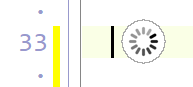
At any time with the code editor open, press Ctrl+Alt+Space.
A small progress marker appears while CodeBot works. When the completion is ready, it is previewed directly in the editor:
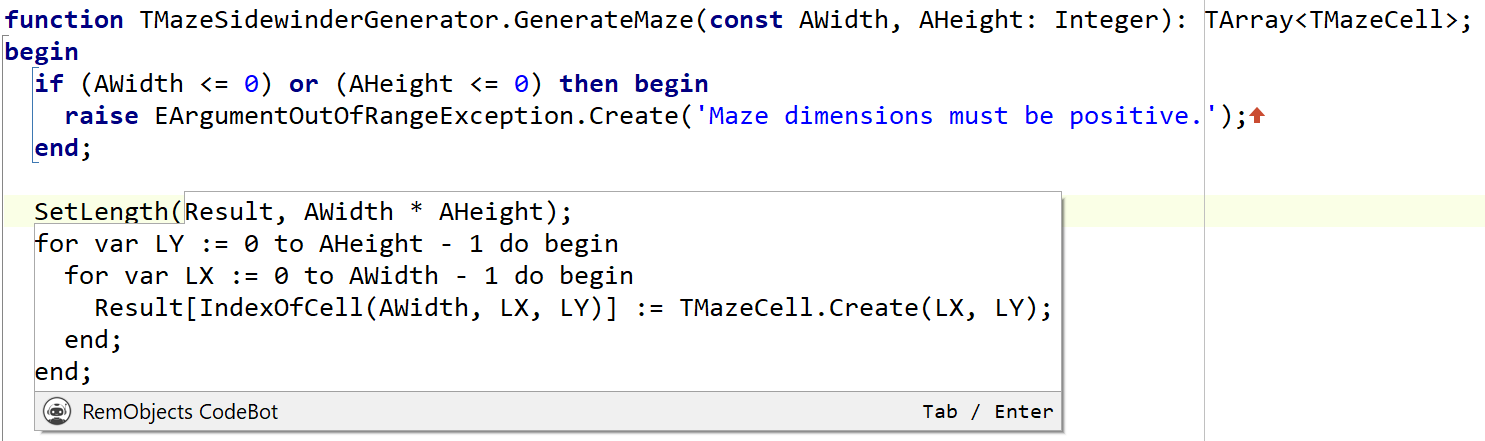
-
Press
TaborEnterto accept the completion. -
Press
Escor click outside it to dismiss it.
The completion will be whatever CodeBot believes is best for that area: the rest of the line, or multiple lines. Once accepted, it is an ordinary undoable editor change.
What Informs the Completion
CodeBot looks at the code before and after the caret, the current scope and imports, your recent edits, and your latest chat message.
This means it can follow patterns already present in the code or continue a change you have just been making. You will get better results the more code you have edited or written before invoking completion.