Draft Commit Messages
When connected to an AI account, GitBrowser can automatically draft commit messages for you. Simply check or uncheck more files for staging by clicking their checkbox or pressing space, and – unless you already typed a commit message – you will see the commit field say "Thinking..." while CodeBit analyzes the changes in these files and comes up with a good summary.
You can start typing your own message at any time to abort.
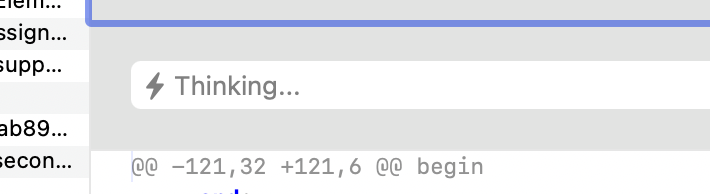
If you wait and let CodeBot finish thinking, you will see its suggested summary show up in the field, and you will see a blue glow around the text field to indicate the current message was AI-generated.
You can accept the message as is and click "Commit", you can tweak it to your liking, or entire disregard it by typing a new message, or by using cursor up/down in the commit field to select a message from a previous commit. If you do so, the blue glow will disappear.
If you stage (or unstage) additional files while the commit field is in "Thinking" or blue glow mode, CodeBit will automatically start to update the message to reflect the new set of changes; if you unstage the last file, any AI-generated message will disappear again.