Change Set Analysis
Sometimes, you (or your AI helpers) work on several things at the same time. It's not the best of practices, but it happens, and sometimes there are good reasons for it. Then it comes time to commit, and you need to sort out what's what.
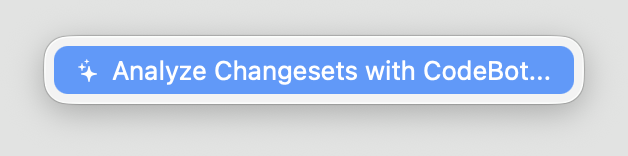
With GitBrowser, you can right-click anywhere on the empty space of the local changes list and select "Analyze Changesets with CodeBot..." to have CodeBot sort it for you.
CodeBot will gather all your local changes, review them, and sort them into logical groups. It will then present you with a list – these five files changed for Feature A, this file was for Bugfix B, and those last three are for cleanup you did in Area C.
The cool thing is, this works even if those changes overlap. CodeBot can detect that some changes in File 1 belong to Feature A, while some others belong to Bugfix B.
Within the Change Analysis window, you can review each diff for clarity. If you're happy with the classification, you have several options:
You can commit a subset of changes then and there. The change set summary will be provided as the default commit message, which you can adjust as needed before committing. If all looks good, you can go through and commit each changeset until most, or all, are handled, and then close the sheet.
Alternatively – especially if all doesn't look quite 100% – you can choose to simply stage one (or a few) of the detected changes ets, for subsequent review. When you close the sheet, those staged files are ready for you to review. You might want to unstage one or two, stage a couple additional files, ot maybe make a tweak or two, before committing for good.
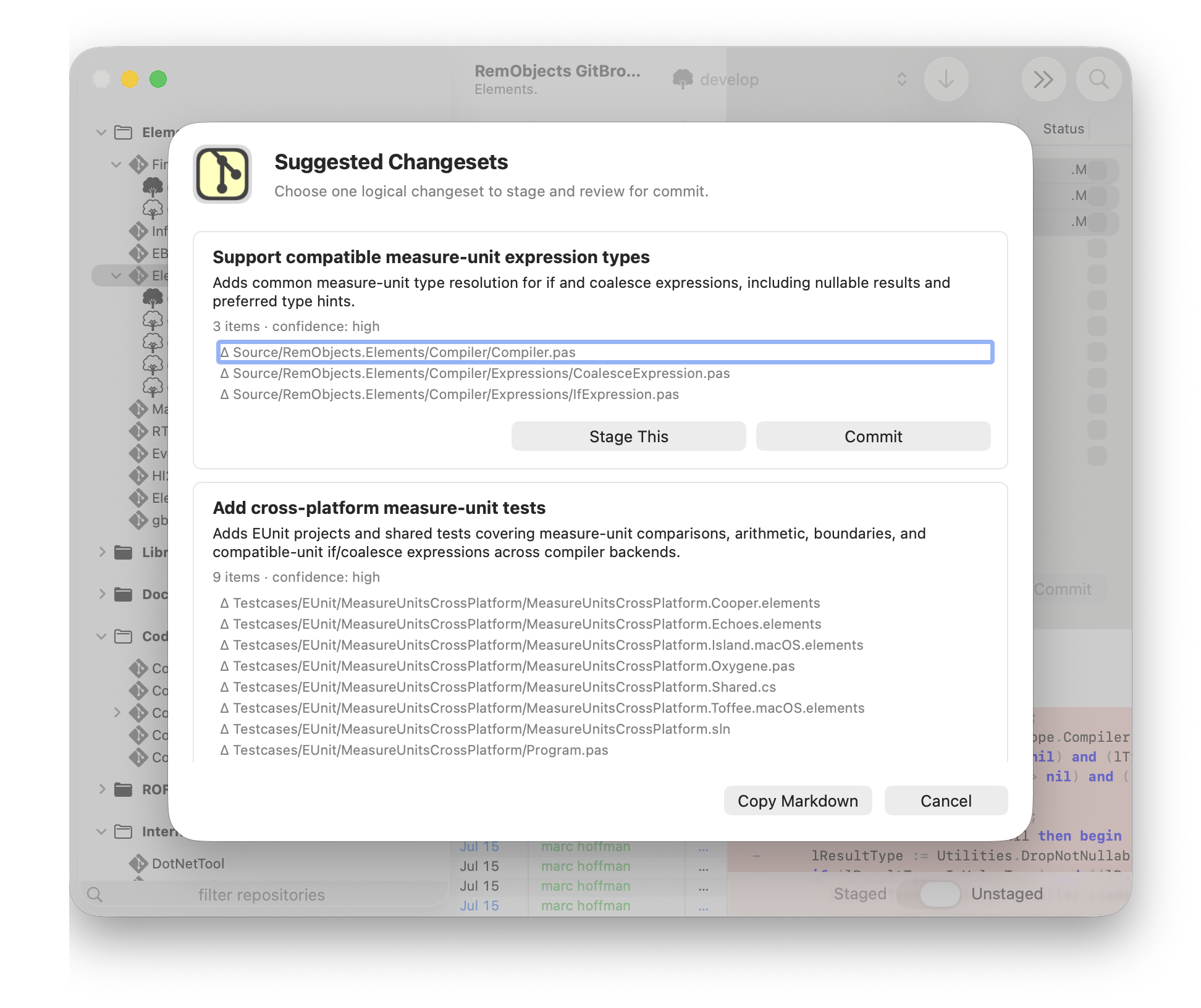
You can also copy a summary of the analysis as markdown, for example, to share with a co-worker or an AI agent for review and feedback.